 web design
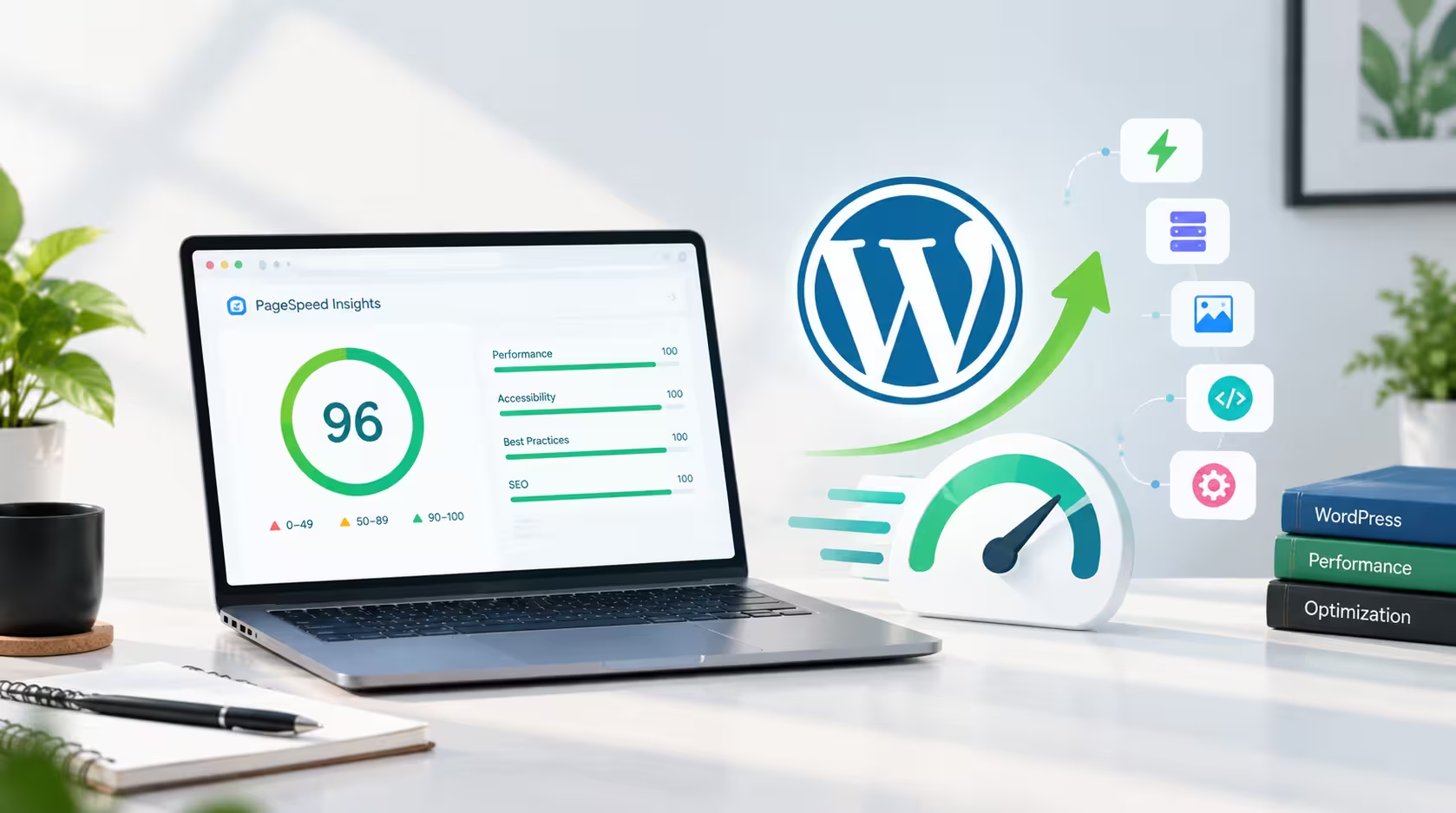
 How I Keep My WordPress Website’s Page Speed Above 96
By Khaled Ahmad, WordPress Web Designer from Sylhet, Bangladesh I am a WordPress web designer, and I build mos…
Read More Khaled Ahmad Oct 14, 2026 4 min read
Here’s a pattern I keep running into. Someone gets a website built, it looks great, and a few weeks later they ask why it loads so slowly and why Google isn’t sending any visitors. By then, the fixes are expensive. Page speed and SEO aren’t things you bolt on at the end. They need to be part of the plan from the very first conversation.
Think of it like building a house. You decide on the foundation, wiring and plumbing before the walls go up, not after the family has moved in. A website works the same way. The choices you make in the first week decide how fast and how visible it will be for years.
Slow sites usually aren’t the result of one big mistake. It’s a pile of small ones: a heavy theme, a dozen plugins nobody really needed, giant images straight from a camera, and a layout that loads far more than the visitor will ever see. Fixing all that after launch often means rebuilding whole sections.
Speed matters for business too. People leave slow pages fast, and Google counts Core Web Vitals as part of its ranking signals. A quick site keeps visitors around and earns their trust.
Pick a fast theme and keep the builder setup clean. Be honest about which features you actually need, because every plugin, animation and font adds weight.
Sketch your pages, menu and URLs before any design work. Decide which page is meant to rank for which search phrase. This gives visitors a clear path and gives Google a clear picture of your site. Internal linking starts here too.
Big hero sliders, autoplay videos and five different fonts look impressive in a mockup, but they cost you load time. I stick to one or two fonts, modern image formats like WebP or AVIF, and fixed image sizes so the page doesn’t jump around while loading.
Hosting sets the ceiling for your speed. Choose a server near your audience, make sure caching is on and keep PHP up to date. If visitors come from several countries, add a CDN.
Most people will open your site on a phone, so start there. Use readable text, buttons that are easy to tap and layouts that stay light on slower connections.
Google looks at three things. Largest Contentful Paint (LCP) is how quickly your main content shows up, and it should be under 2.5 seconds. Interaction to Next Paint (INP) is how fast the page reacts when someone taps or clicks, ideally under 200 milliseconds. Cumulative Layout Shift (CLS) is how much things move around while loading, and it should stay below 0.1. Keep these in mind from the very first design draft, not just at the end.
While you build, set up clean permalinks, a sitemap, a sensible heading structure, descriptive alt text on images and basic schema markup. A plugin like Rank Math makes this much easier. Then run the site through Google PageSpeed Insights at every stage, not only before launch. Page speed and SEO problems are cheap to fix when you catch them early, and painful when you find them six months later.
A fast, search-friendly website doesn’t happen by luck. It comes from planning page speed and SEO together before the first page exists. The payoff is a site that loads quickly, ranks better and turns more visitors into customers.
If you’re planning a new site, take a look at my WordPress services or get in touch and we can plan it the right way from day one. You can also see how this works in practice in my recent projects.
A WordPress Web Designer & Elementor Specialist focused on building modern, high-converting websites.
web design By Khaled Ahmad, WordPress Web Designer from Sylhet, Bangladesh I am a WordPress web designer, and I build mos…
Read More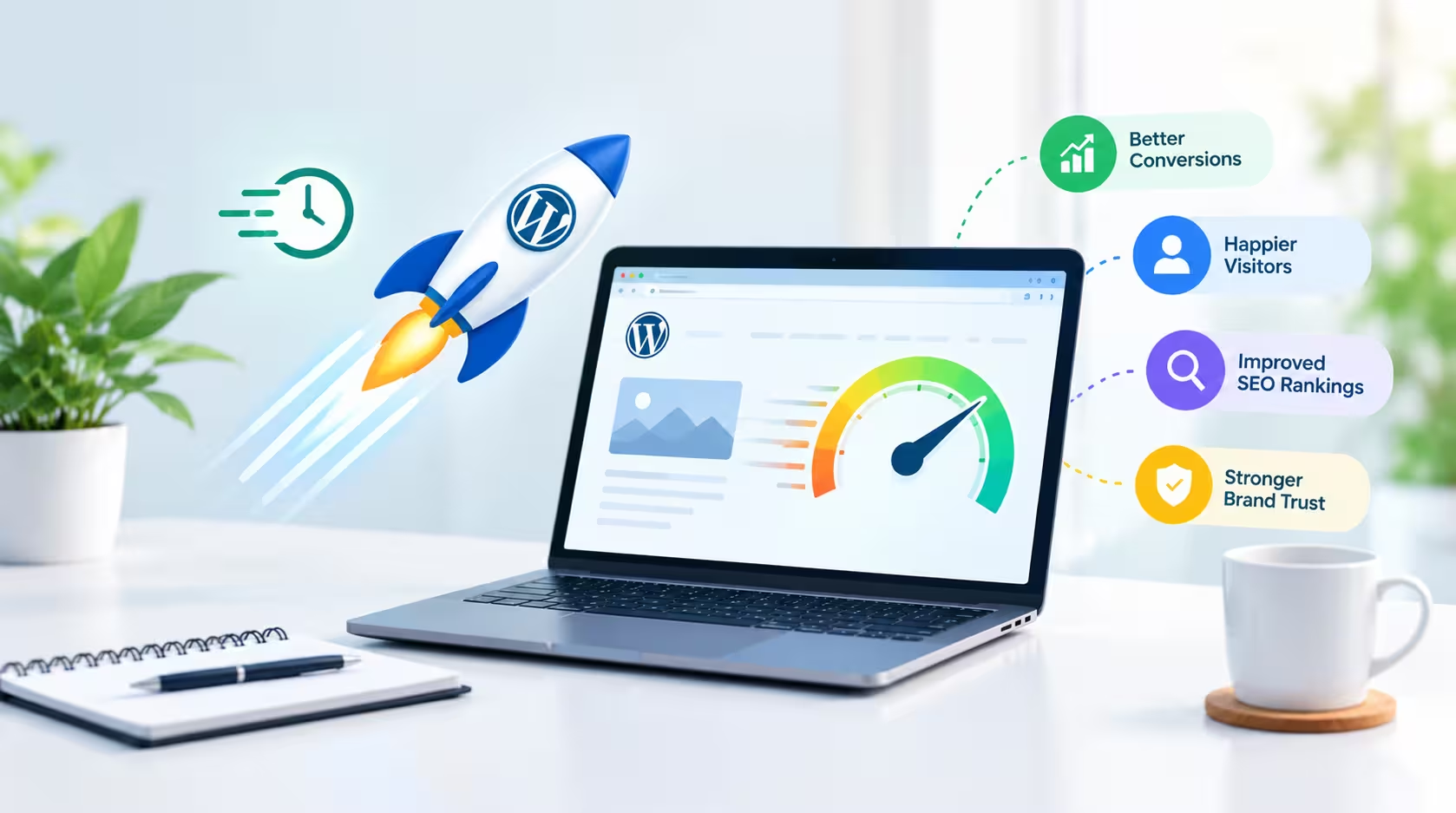 web design
 A beautiful website is important, but a beautiful website that takes too long to load can quickly lose visitor…
Read More web design
 Artificial intelligence is becoming an increasingly useful tool for modern web designers. Instead of replacing…
Read More
Comments 0
Loading comments…
Comments are closed for this post.