 Core Web Vitals
 Page Speed and SEO: Plan Them Before You Build Your Website
Here’s a pattern I keep running into. Someone gets a website built, it looks great, and a few weeks later they…
Read More Khaled Ahmad Sep 28, 2026 4 min read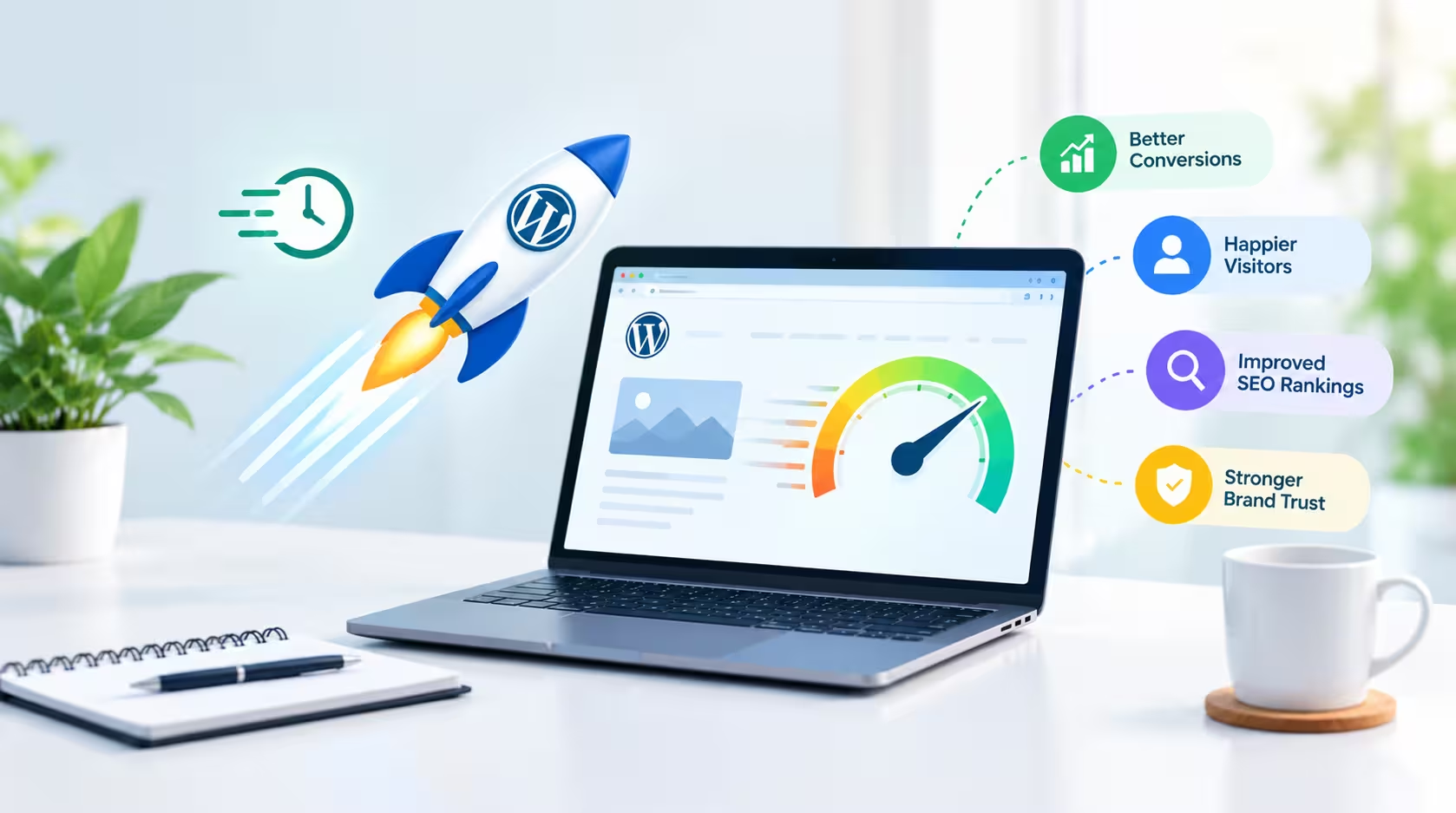
A beautiful website is important, but a beautiful website that takes too long to load can quickly lose visitors. Website speed is one of the most important parts of a good online experience, because users expect pages to open quickly on both desktop and mobile devices.
In this article, I will explain how website speed affects your visitors, your sales and your search visibility, and what you can do to make your WordPress website faster.
When a page loads quickly, visitors can find information, explore products and take action without unnecessary waiting. A slow website creates frustration and increases the chances of visitors leaving before they see what you offer.
First impressions are formed in seconds. If your homepage takes too long to appear, many visitors will simply go back to the search results and choose a competitor. A fast, smooth website tells visitors that your business is professional and reliable.
For eCommerce websites, performance becomes even more important. Customers need to move smoothly from product pages to the cart and checkout. Every unnecessary delay can make the buying experience less convenient and may cause a customer to abandon the purchase.
On mobile, where connections are often slower, a lightweight WooCommerce store makes a real difference. Fast product pages, quick image loading and a responsive checkout help customers feel confident while they shop.
Search engines want to show users the best possible results, and page experience is part of that. Google measures loading, interactivity and visual stability through Core Web Vitals, which include Largest Contentful Paint (LCP), Interaction to Next Paint (INP) and Cumulative Layout Shift (CLS).
A faster website does not guarantee the first position, because content quality and relevance still matter most. But good performance supports your SEO efforts and helps visitors stay longer on your pages.
You can test your own website for free with Google PageSpeed Insights. It shows your mobile and desktop scores and tells you what slows your pages down.
There are several practical ways to improve WordPress website speed:
Good website performance is about balance. A website should not only look great but should also remain lightweight, responsive and easy to use. Heavy animations, oversized images and too many effects can make a design look impressive but feel slow.
The best approach is to plan performance from the start: choose a clean layout, optimize every image, and load only what each page really needs.
As a WordPress web designer, my goal is to create websites that combine modern design, functionality, usability and performance, so businesses can give their visitors and customers a better experience.
A faster website creates a smoother experience, and a smoother experience helps your business make a stronger impression. If you want a fast, professional website for your business, take a look at my WordPress web design services or contact me to discuss your project.
A WordPress Web Designer & Elementor Specialist focused on building modern, high-converting websites.
Core Web Vitals Here’s a pattern I keep running into. Someone gets a website built, it looks great, and a few weeks later they…
Read More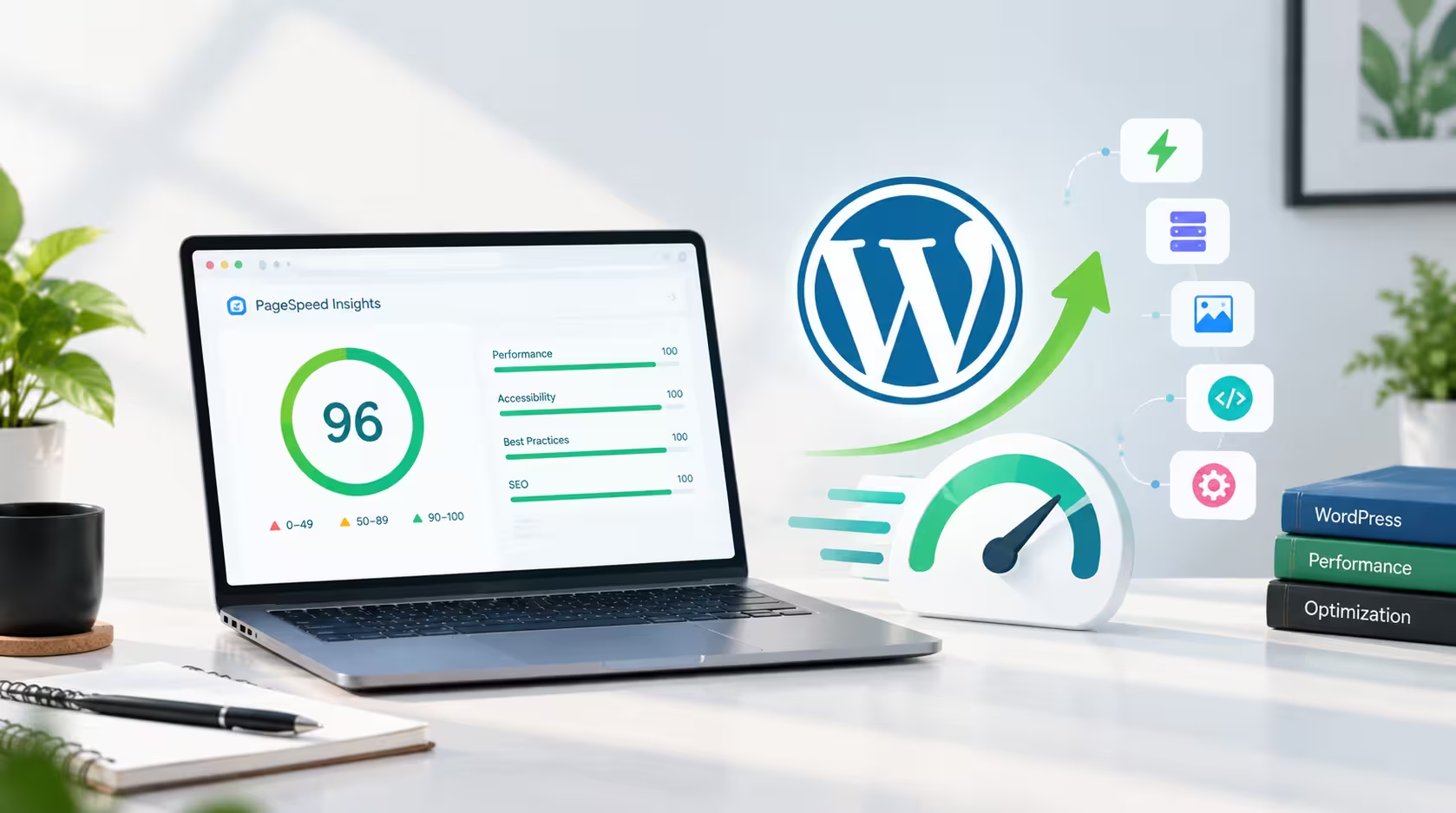 web design
 By Khaled Ahmad, WordPress Web Designer from Sylhet, Bangladesh I am a WordPress web designer, and I build mos…
Read More web design
 Artificial intelligence is becoming an increasingly useful tool for modern web designers. Instead of replacing…
Read More
Comments 0
Loading comments…
Comments are closed for this post.