 Core Web Vitals
 Page Speed and SEO: Plan Them Before You Build Your Website
Here’s a pattern I keep running into. Someone gets a website built, it looks great, and a few weeks later they…
Read More Khaled Ahmad Sep 28, 2026 3 min read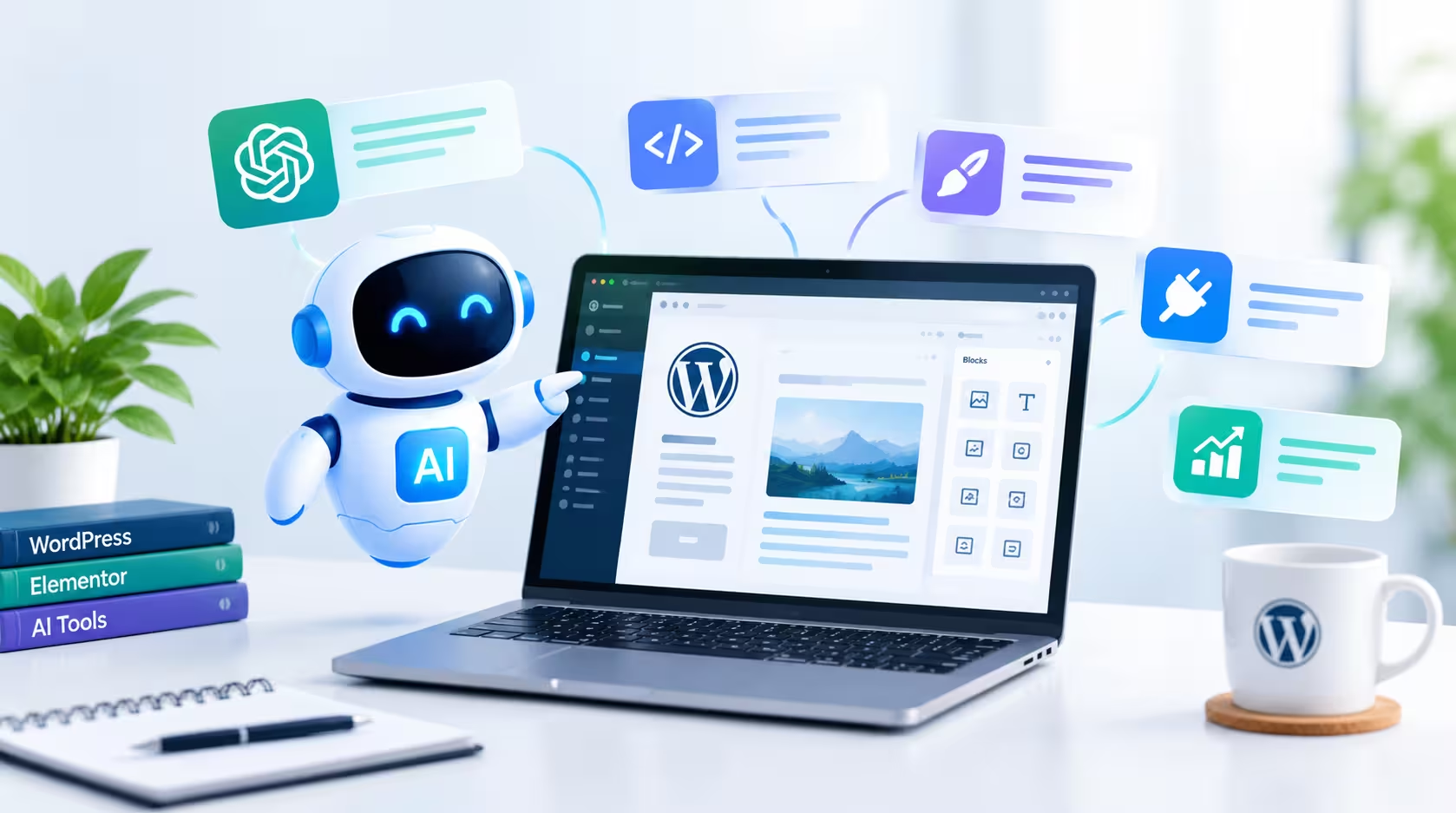
Artificial intelligence is becoming an increasingly useful tool for modern web designers. Instead of replacing the creative process, AI in web design helps designers work faster, explore ideas and solve technical problems more efficiently.
In this article, I explain how AI is changing WordPress website development, where it helps most, and why human expertise still matters.
For WordPress projects, AI can assist with many everyday tasks:
AI can also help designers understand client requirements and turn business problems into practical website solutions. A short client brief can quickly become a clear list of pages, features and goals.
This makes the development process more efficient and gives designers more time to focus on creativity, user experience and strategy.
When WordPress, Elementor and AI-assisted workflows are combined effectively, designers can build websites faster without losing quality. Elementor handles the visual layout, while AI supports the planning, custom code and content around it.
Faster workflows also mean clients see progress sooner and can give feedback earlier in the project.
AI should be treated as an assistant rather than a complete replacement for human expertise. AI results can contain mistakes, outdated advice or code that does not suit your website. A good website still needs:
Every code snippet and every piece of content should be reviewed and tested before it goes live. Always take a backup before adding new code to a live website.
Extra scripts and heavy code can slow a page down, so performance should be checked after every change. You can test your pages for free with Google PageSpeed Insights. To learn more about this topic, read my guide on why website speed matters for your business.
The future of web design is not simply about using AI. It is about using AI intelligently.
As a WordPress web designer, I combine modern tools with careful planning, testing and design, so every website supports real business goals. If you need a fast, professional website, take a look at my WordPress web design services or contact me to discuss your project.
A WordPress Web Designer & Elementor Specialist focused on building modern, high-converting websites.
Core Web Vitals Here’s a pattern I keep running into. Someone gets a website built, it looks great, and a few weeks later they…
Read More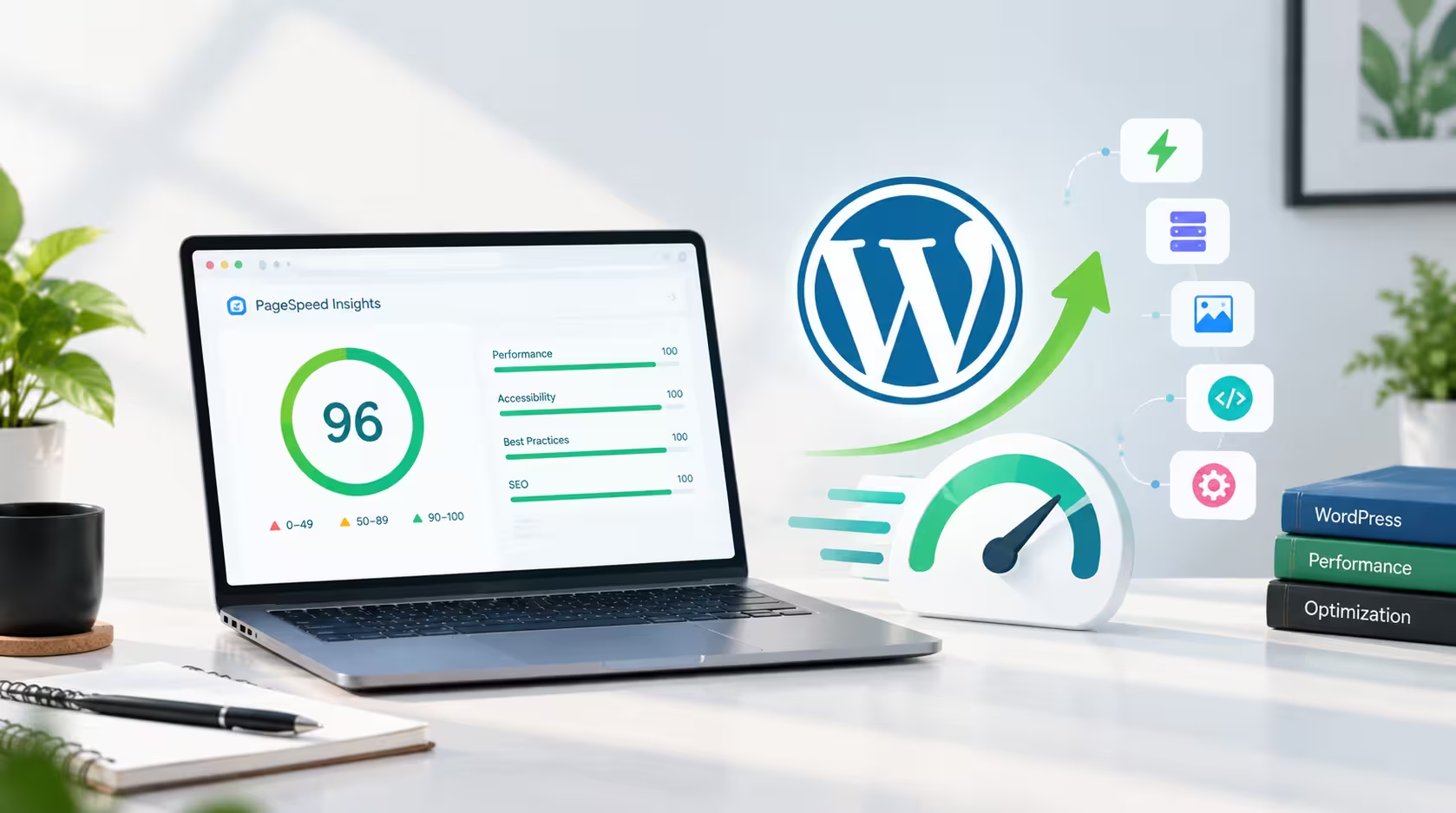 web design
 By Khaled Ahmad, WordPress Web Designer from Sylhet, Bangladesh I am a WordPress web designer, and I build mos…
Read More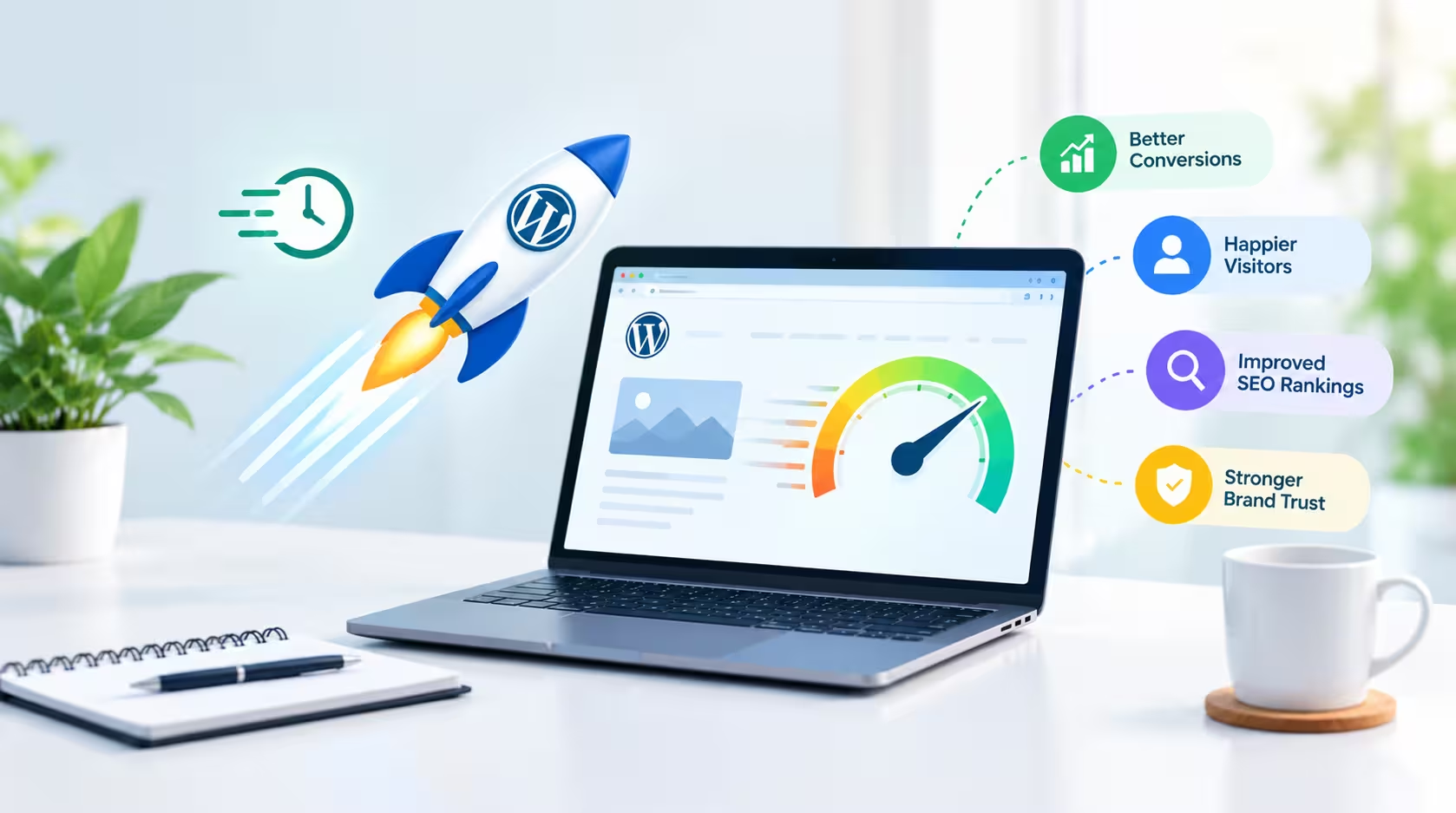 web design
 A beautiful website is important, but a beautiful website that takes too long to load can quickly lose visitor…
Read More
Comments 0
Loading comments…
Comments are closed for this post.