 Core Web Vitals
 Page Speed and SEO: Plan Them Before You Build Your Website
Here’s a pattern I keep running into. Someone gets a website built, it looks great, and a few weeks later they…
Read More Khaled Ahmad Oct 11, 2026 5 min read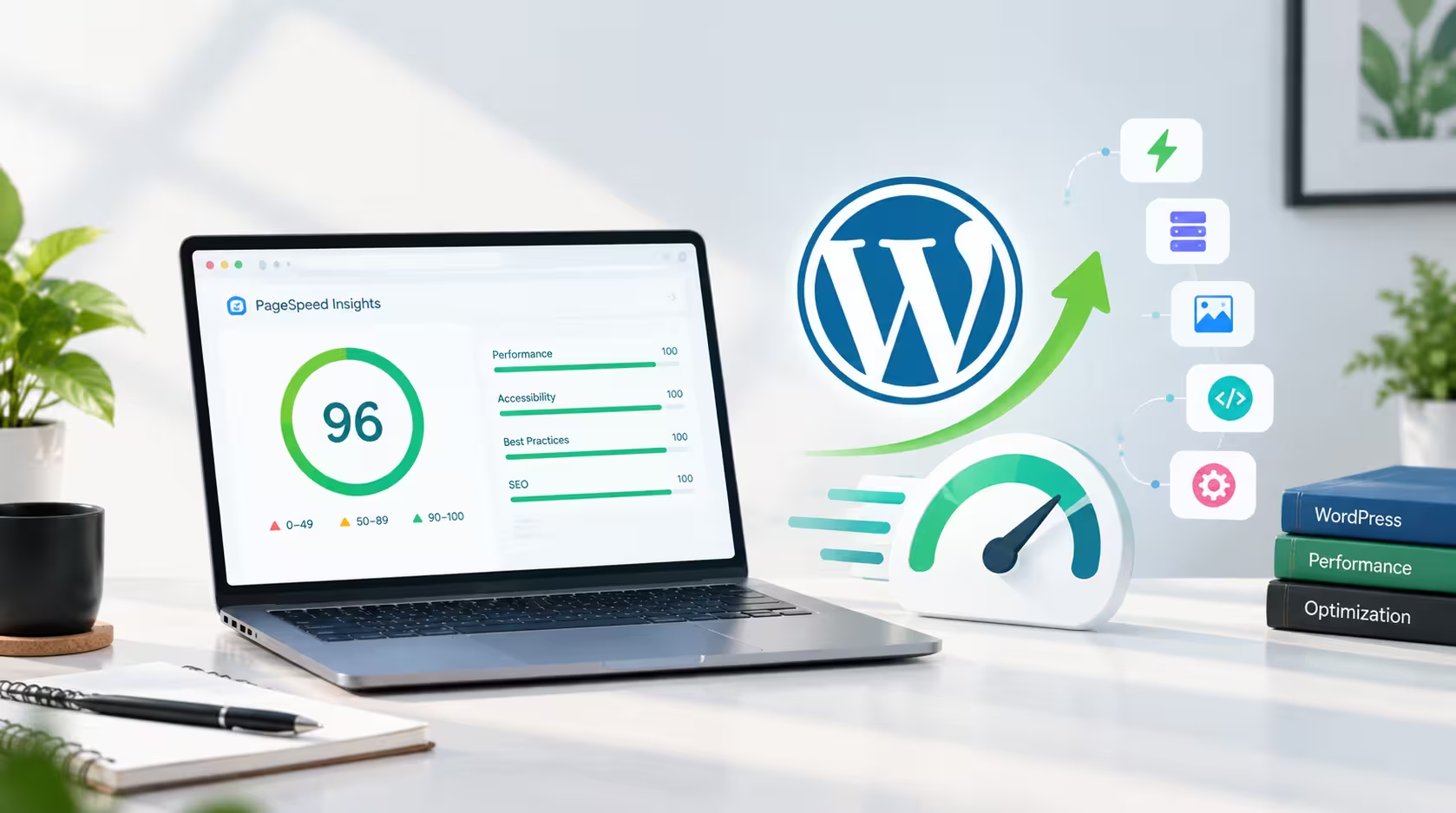
By Khaled Ahmad, WordPress Web Designer from Sylhet, Bangladesh
I am a WordPress web designer, and I build most of my websites with Elementor. When I rebuilt my own portfolio, I wanted a site I could proudly show to clients: premium design, but also fast. My mobile PageSpeed score started at around 80. Today it is 98 on mobile and 100 on desktop. In this post I will share exactly what I changed, in the order I changed it, and what I learned along the way.
A beautiful website that loads slowly loses visitors before they even see the design. Speed affects trust, conversions and search rankings, because Google uses Core Web Vitals as a ranking signal. I have already explained why website speed matters for your business, so this time I want to show the practical side: what I actually did on my own site.
The first thing I did was run a GTmetrix test and read the waterfall chart instead of guessing. I assumed images were my biggest problem. I was wrong. My page was 478KB in total, and 324KB of that was fonts. The full Font Awesome package alone added about 250KB, and I was also loading five or six separate Plus Jakarta Sans files plus Space Grotesk.
The lesson is simple: measure first. The biggest problem is often not the one you expect.
Most of my homepage is built with custom HTML widgets, so I host my fonts and icons on my own server instead of loading them from outside services. That removes extra connections to other domains. But self-hosting is not enough if you upload too many files. I had uploaded several static font weights, and each one was a separate request.
I replaced all of them with a single variable font file of about 27KB. I preloaded it in the page head and used font-display: swap, so text appears immediately. Six requests became one.
Font Awesome contains thousands of icons, but my homepage uses only a few dozen. So I created a small subset that contains only the icons I actually use. The three icon font files dropped from roughly 250KB to about 6KB, and the icon CSS dropped from 90KB to about 3KB. The icons look exactly the same, but they load almost instantly.
One warning: I only use this lite version on pages where I have checked every icon. If an icon is missing from the subset, it shows up as an empty box, so always test every section on desktop and mobile.
My hero photo was 880px wide, and every visitor downloaded it, even on a small phone that displays it at about 330px. I created three AVIF versions at 400, 640 and 880 pixels wide and used srcset and sizes so the browser picks the right one. A typical phone now downloads about 10KB instead of 41KB. I did the same for my logo, which went from about 12KB to about 4KB.
Two more details matter here. The hero image is the largest element on screen, so I load it eagerly with high priority instead of lazy loading it. And I always set width and height so the layout does not jump while the page loads.
Scores move between tests. In one of my GTmetrix runs, the server response time jumped from about 350ms to 660ms, and my score dropped from 90 to 82, even though the page was lighter than before. That was not a front-end problem at all. It was a reminder that page caching and a CDN like Cloudflare matter just as much as small files. Always run two or three tests before you decide something is broken.
| Metric | Before | After |
|---|---|---|
| Total page size (GTmetrix) | 478KB | 182KB |
| Fonts | 324KB | about 48KB |
| Total Blocking Time | 176ms | 0ms |
| PageSpeed mobile | about 80 | 98 |
| PageSpeed desktop | 99 | 100 |
None of this means Elementor is slow. When you build carefully, Elementor WordPress web design can be both fast and flexible. It is also one reason WordPress is still a great choice for business websites. If you run an online shop, the same ideas apply, and you can read what makes a good store in my guide on what makes a good eCommerce website. I also use AI tools in my workflow, which I explain in how AI is changing the way WordPress websites are built.
If you want a website that looks great and loads fast on mobile, see my WordPress services or browse my recent projects. When you are ready to start, contact me and tell me about your project.
A WordPress Web Designer & Elementor Specialist focused on building modern, high-converting websites.
Core Web Vitals Here’s a pattern I keep running into. Someone gets a website built, it looks great, and a few weeks later they…
Read More web design
 A beautiful website is important, but a beautiful website that takes too long to load can quickly lose visitor…
Read More web design
 Artificial intelligence is becoming an increasingly useful tool for modern web designers. Instead of replacing…
Read More
Comments 0
Loading comments…
Comments are closed for this post.