 Core Web Vitals
 Page Speed and SEO: Plan Them Before You Build Your Website
Here’s a pattern I keep running into. Someone gets a website built, it looks great, and a few weeks later they…
Read More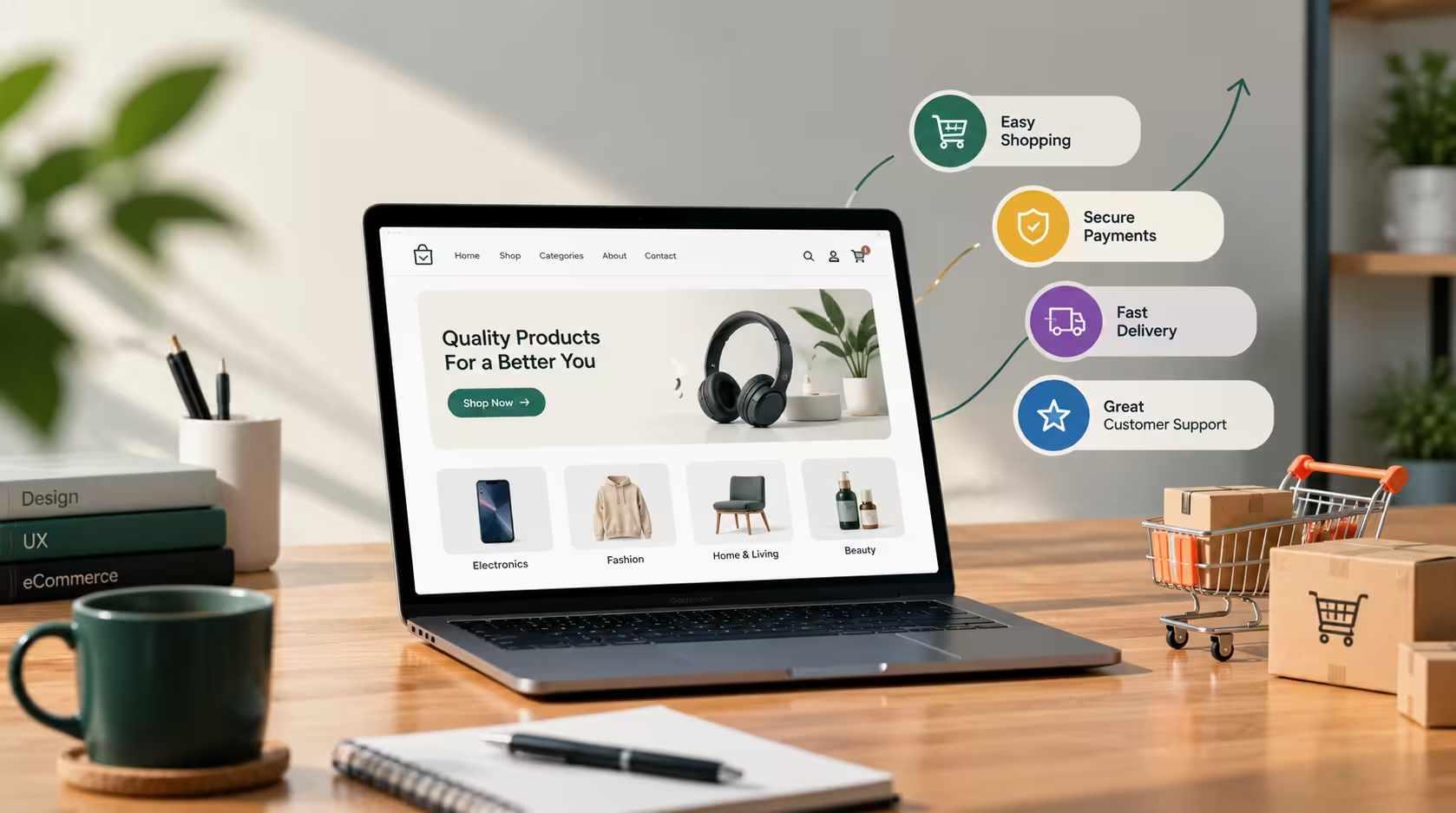
A good eCommerce website is about much more than displaying products. It needs to make the entire shopping experience simple, clear, and trustworthy, from the first click on the homepage to the confirmation message after payment.
Many online stores look attractive but still lose customers because something small gets in the way: a slow page, a confusing menu, a long checkout form, or missing information about delivery. A well-built store removes these obstacles so visitors can focus on one thing, which is finding and buying what they need.
In this guide, we will walk through the eight elements that matter most, look at common mistakes online stores make, and explain why WordPress and WooCommerce are a flexible foundation for building a store that fits your business.
Customers should never have to guess where to click. Clear navigation helps people find products quickly, and it keeps them from leaving out of frustration.
Keep the main menu simple, with a handful of well-named categories instead of a long list of links. Add a visible search bar and a cart icon that stays easy to reach on every page. Breadcrumbs help shoppers understand where they are and go back a step without starting over. Useful pages such as shipping, returns, and contact details should be one click away in the footer.
A simple structure also helps search engines understand your store, which supports better visibility over time.
Online shoppers cannot touch or try your products, so your product pages have to do that job for you.
Use clear, high-quality images that show the product from several angles, with a zoom option for details. Keep image sizes and backgrounds consistent so the store looks professional. Write descriptions that answer the questions customers actually have, such as size, material, color, compatibility, and how the product is used. Focus on benefits, not only specifications.
Pricing, discounts, variations like size or color, and stock status should be easy to see without scrolling or guessing. Customer reviews on the product page add confidence and help people decide.
A slow store frustrates visitors, and many of them will leave before the page finishes loading. Speed is part of the shopping experience, not just a technical detail.
Start by compressing and properly sizing images, using modern formats like WebP or AVIF. Choose a lightweight theme, keep the number of plugins under control, and use reliable hosting. Caching and a CDN such as Cloudflare can further reduce loading time for visitors in different locations.
You can check your store with Google PageSpeed Insights to see what slows it down, and test on both mobile and desktop because the results often differ.
Many customers browse and shop using smartphones, so an eCommerce website should work smoothly on smaller screens. A design that looks good on a desktop but feels cramped on a phone will lose sales.
Make buttons large enough to tap comfortably and keep text readable without zooming. Keep filters, menus, and forms simple to use with one hand. Avoid pop-ups that cover the content or are hard to close. Show the add-to-cart button clearly, and make sure form fields open the right keyboard, for example a number pad for phone numbers.
Test your store on real devices, not only in a browser preview, to catch problems that visitors would notice immediately.
The checkout process is equally important. A complicated checkout creates unnecessary friction and may cause customers to leave before completing their orders.
Ask only for the information you truly need, and offer guest checkout so people are not forced to create an account. Show shipping costs and the order total early so there are no surprises at the last step. Use clear labels and helpful error messages, and keep the order summary visible while customers fill in their details.
Security matters too. Use HTTPS, trusted payment gateways, and clear messaging that shows customers their payment information is handled safely. A simple, well-structured checkout makes the purchasing process much easier and builds trust at the most important moment.
When a store has many products, search and filtering become essential. Shoppers who know what they want should reach it in a few seconds.
Place the search bar where it is easy to see, and make sure it handles common spelling mistakes if possible. Offer filters that match how people shop, such as price, category, size, color, and brand, along with sorting options like newest, popular, or price. If a search returns no results, show a helpful page with suggestions or popular categories instead of an empty screen.
Customers are more likely to complete a purchase when they can pay in a way they trust and prefer. The right payment options depend on your market: cards and digital wallets in some places, mobile banking, bank transfer, or cash on delivery in others. For example, many stores in Bangladesh offer mobile wallets like bKash and Nagad alongside cash on delivery.
Delivery information is just as important. Show delivery areas, estimated times, and costs clearly, and explain your return and refund policy in simple language. Order tracking and confirmation emails keep customers informed and reduce support questions.
People only buy from stores they trust, and trust is built through small details across the whole website.
Show real contact information, an About page that explains who you are, and clear return, privacy, and terms pages. Add genuine customer reviews, real product photos, and visible security signals. Offering support through WhatsApp, live chat, email, or phone gives customers confidence that someone will help if something goes wrong. Fast, polite replies often turn a hesitant visitor into a loyal customer.
With WordPress and WooCommerce, businesses can build flexible online stores and customize them according to their products, customers, and business requirements. You own your store, you are not locked into one platform, and you can grow it step by step.
WooCommerce supports physical and digital products, variations, coupons, shipping rules, taxes, and many payment gateways. Combined with a page builder like Elementor, it allows a design that matches your brand instead of a generic template. SEO plugins such as Rank Math help you optimize product pages, categories, and content so more people can find the store.
The key is to build it with a clear structure, a lightweight setup, and a focus on user experience from the beginning. If you need help, you can explore my WordPress and WooCommerce services or see some recent projects.
Even well-designed stores can lose sales through avoidable mistakes. Watch out for these:
Use this short list to review your own store:
There is no single feature, but a simple, trustworthy shopping experience matters most. That means clear product information, fast loading, mobile-friendly design, and an easy checkout working together.
Yes. WooCommerce is beginner-friendly for basic stores, and it also scales to more advanced needs with extensions. A professional setup helps you get the structure, speed, and checkout right from the start.
Compress images, use a lightweight theme, limit unnecessary plugins, enable caching, and choose reliable hosting. Testing with a tool like Google PageSpeed Insights shows what to fix first.
Absolutely. Many customers shop on their phones, so a store that is hard to use on mobile will lose sales and visibility in search results.
A good eCommerce website makes it easy for customers to find, understand, and purchase your products. Clear navigation, strong product pages, fast speed, mobile-friendly design, a simple checkout, helpful search, flexible payments, and visible trust signals all work together to create that experience.
If you are planning a new online store or want to improve an existing one, start with these basics and keep testing from the customer’s point of view. Ready to build a fast, user-friendly WooCommerce store? Contact me and let’s discuss your project.

A WordPress Web Designer & Elementor Specialist focused on building modern, high-converting websites.
Core Web Vitals Here’s a pattern I keep running into. Someone gets a website built, it looks great, and a few weeks later they…
Read More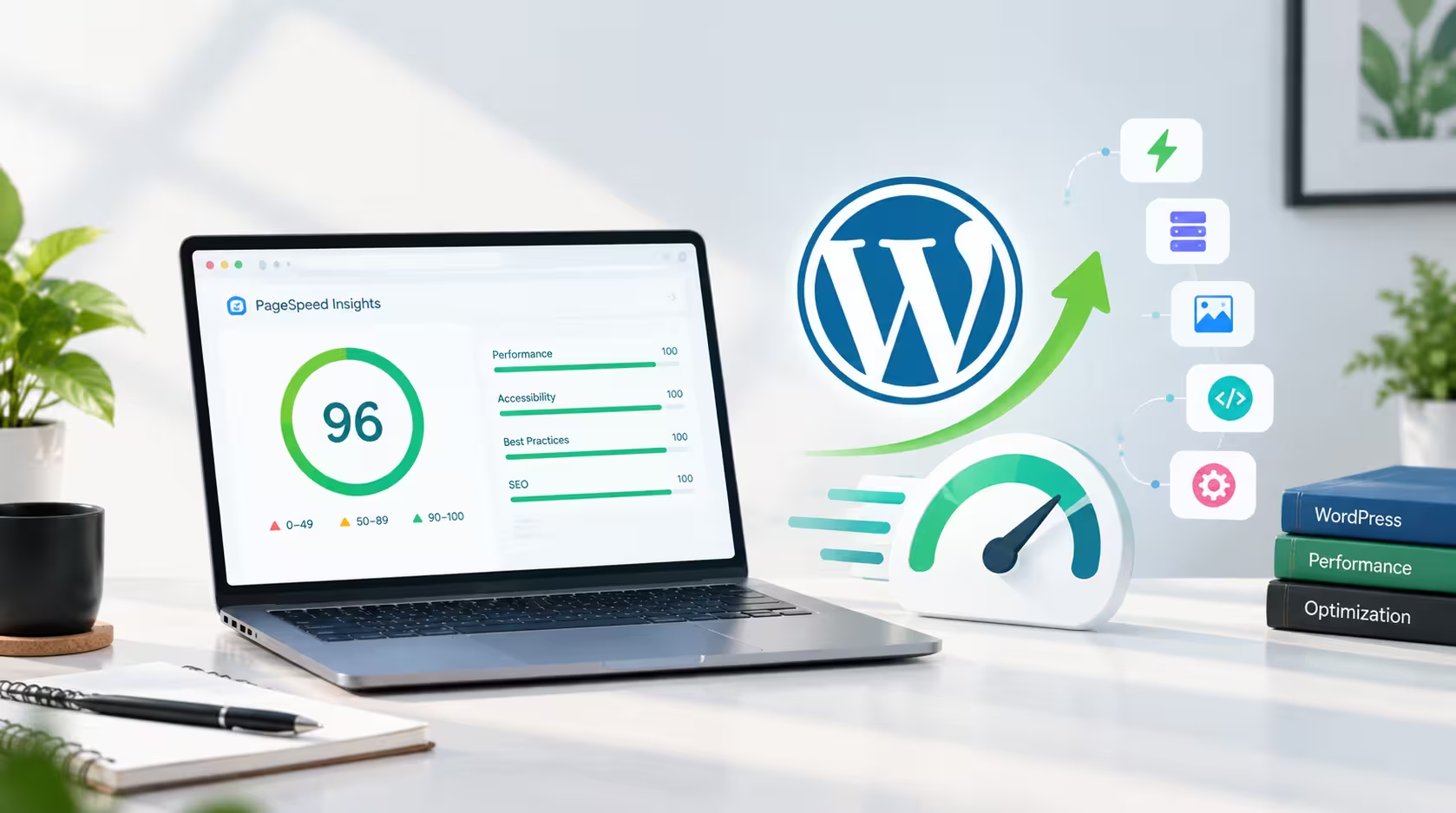 web design
 By Khaled Ahmad, WordPress Web Designer from Sylhet, Bangladesh I am a WordPress web designer, and I build mos…
Read More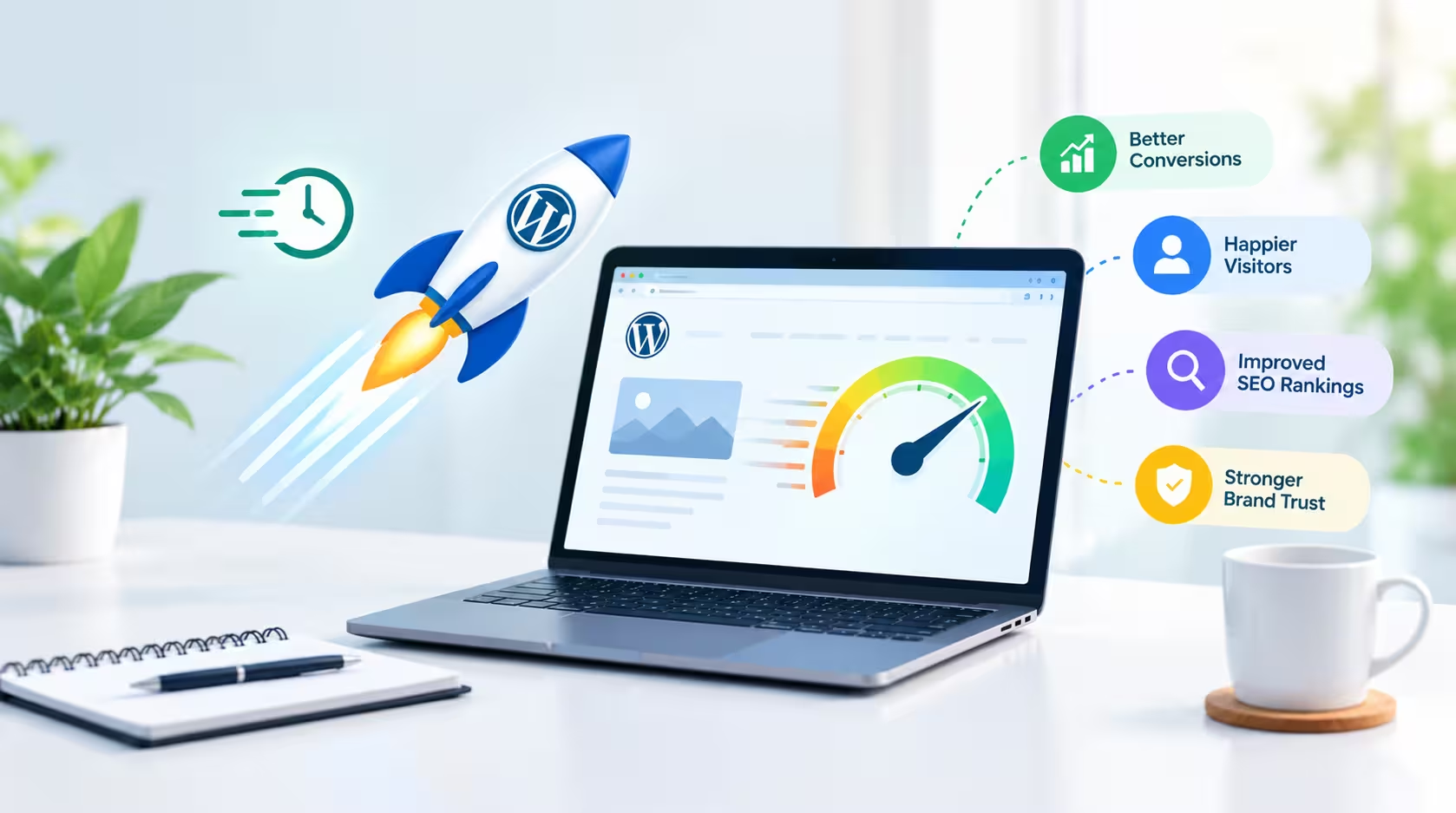 web design
 A beautiful website is important, but a beautiful website that takes too long to load can quickly lose visitor…
Read More
Comments 0
Loading comments…
Comments are closed for this post.